Ensuring Your Announcement Bars Meet the First Impression
A visitor lands on your Shopify store. In the first three seconds, they decide if they’re staying or leaving.
Your announcement bar is your first, and sometimes only, chance to make a connection. Yet for many merchants, this critical tool is an afterthought, either completely invisible or, worse, an annoyance. In this guide, we’ll explore how to transform your announcement bar from a simple strip of text into a strategic asset that builds trust and drives sales.
What an Announcement Bar Does?
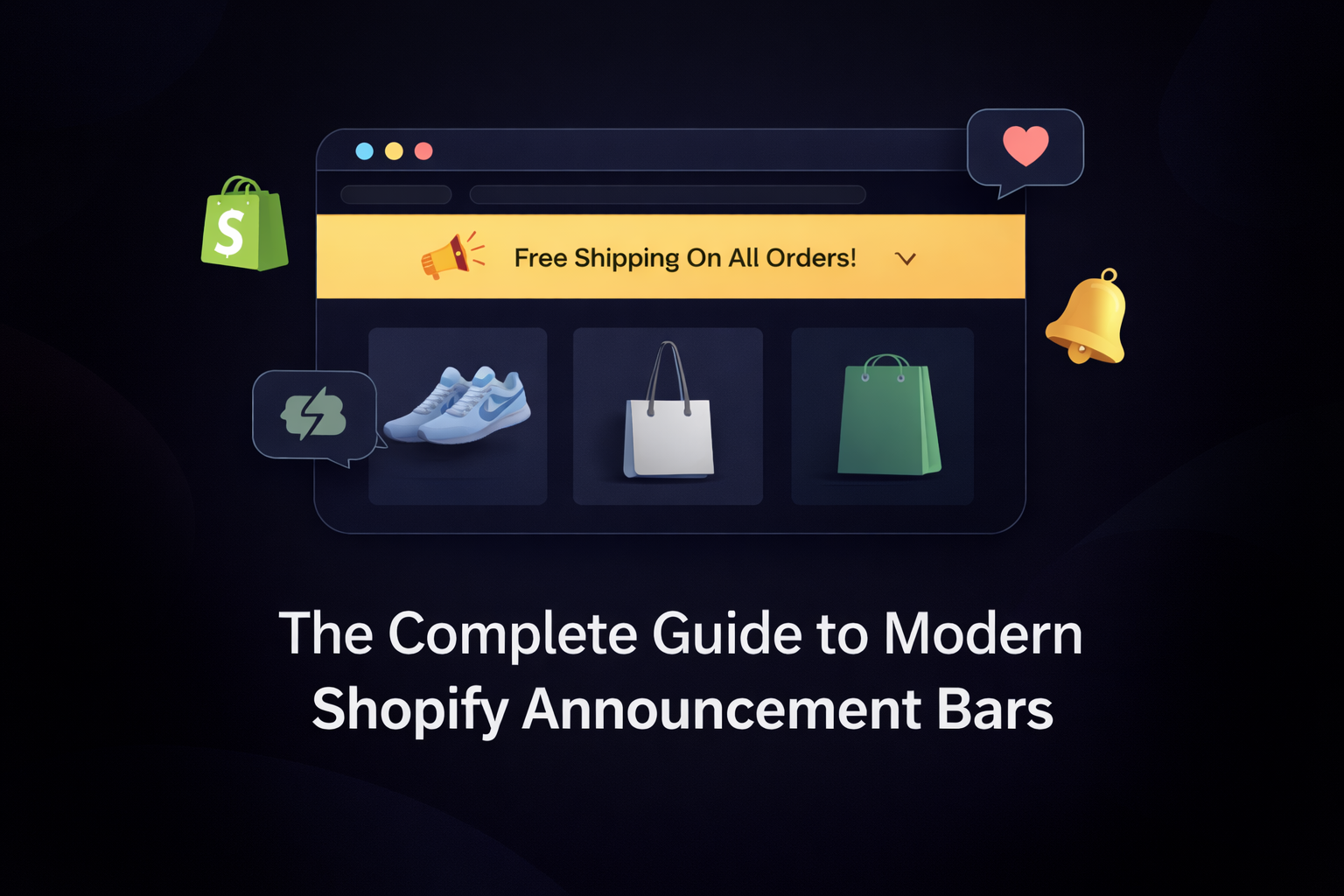
At its core, an announcement bar is the slim banner at the very top of your website. Traditionally, its purpose was simple: broadcast a single message, like “free shipping on all orders,” but in modern ecommerce, its role has evolved. It is no longer just a notification; it is your store’s handshake. It’s the first point of contact and the tone for the entire shopping experience.
What Defines a “Modern” Announcement Bar?
Shopify stores have evolved. Themes are faster, customer expectations are higher, and attention spans are shorter.
Today’s announcement bars must:
- Load quickly
- Adapt to device size
- Communicate a value instantly
- Avoid distraction
- Reinforce brand trust
- Consistency in color and tone
Why Do Most Announcement Bars Fail Today?
The current market is saturated with two types of tools: those that are too basic to drive conversions, and those that are heavy, “all-in-one” marketing suites that inevitably slow down your site and fail to offer the necessary focus.
Lack of Urgency and Value Clarity, Site Speed, and Poor Visibility and Contrast
It may make all your strategies in vain.
Here are the 5 top reasons why most announcement bars fail in the current e-commerce landscape:
- They Deliver No Clear Value: Most bars say something, but not something useful. If it is not saying, “What’s in it for me right now?” Bars without value, get ignored instantly.
- They Load Too Late (or Not at All): If the bar appears after the customer has begun scrolling, the impact is already lost. Modern shoppers don’t wait; your message must appear immediately.
- They Are Not Designed for Mobile: Mobile traffic is your largest audience, so a poorly optimized announcement bar immediately fails. If it slows your speed or blocks content on a small screen, you are driving away the majority of your customers.
- Poor Placement and No Targeting You might have a strong offer, but if it’s buried on the homepage where new visitors aren’t ready to care or missing from the cart page where it could save a sale its impact is lost. Poor placement can make even the best message fail.
How to Focus on adding an announcement bar
Applying announcement bars isn’t just about adding a visual element; it’s a strategic move with measurable benefits that directly impact your bottom line. You can use targeting to show specific bars to returning customers, offering them a loyalty discount or reminding them about a subscription service, directly encouraging repeat purchases.
Creating an effective announcement bar isn’t about design; it’s about process. Follow these four steps to ensure your bar is working for you.
- One Message at a Time: Don’t try to announce a sale, a new product, and free shipping all at once. Keep it focused.
- Mind Your Mobile View: Your bar must be clean and legible on a small screen. If it takes up too much space, it will annoy mobile users.
- Choose your placement: the homepage is just one option. Consider the cart page to fight abandonment, or the product page to build confidence.
- Design for on-brand experience: ensure the bar’s colors and fonts match your store. It should feel like a natural extension of your brand, not a clunky add-on.
The Practical Solution: Bring Your Bars Up to Modern Standards
You can’t do this effectively with the basic Shopify bar alone. You’ll need a conversion tool. By implementing a clear, strategic, and measurable approach, you can turn it into one of the most efficient assets in your store. Focus on what works, measure the results, and optimize for performance.
Match Your Bar to Your Goal
Every announcement has a purpose. The key is to choose the right tool for that purpose.
- To create urgency? A countdown bar is your best choice. It turns a vague “sale” into a “sale ending now.”
- To share non-critical info? A marquee (scrolling text) bar keeps the message visible without taking up extra space.
- To announce something new? A simple, clean text bar is perfect. It’s direct and doesn’t distract from your main message.
- To share a specific offer? A coupon bar makes the code clear and easy to use.
- To share non-critical info? A subtle scrolling text bar can work well for things like store-wide updates.
- To collect subscribers? A subscription bar helps you grow your email list without interrupting the shopping experience.
Write a Message That Is Impossible to Misunderstand
Your visitor is busy. Don’t make them think. Clarity is your greatest asset.
Focus on one thing. Don’t announce a sale, a new product, and free shipping all at once. It creates noise, not action.
Lead with value. The customer should immediately understand what’s in it for them: discounts, updates, or important information.
Make It Feel Like It Belongs
An announcement bar that looks out of place can break trust. It should feel like a natural extension of your store.
Keep the design consistent. Use your brand’s fonts, colors, and button styles. A clean, professional look builds credibility.
Don’t overwhelm the page. The bar should complement your store, not dominate it.
Show Up at the Right Moment
Placement is everything. The right message at the wrong time is ineffective. Target intentionally. A bar on every page can lose its power. A bar shown at a critical moment increases conversions.
Pay Attention to the Results
Don’t guess what works. Know what works. This is how you move from running a store to growing a business.
Track the numbers. Pay attention to clicks, impressions, and how people respond to your calls-to-action.
Refine your approach. Use the data to understand which messages perform, which bars get ignored, and which devices need adjustments. This is how you improve over time.
The Modern Standards for a Clear Answer
The Standard for Visibility: Strategic Placement
It should be intelligent. Place a free shipping offer on the product page to build confidence. Put a limited-time discount on the cart page to eliminate hesitation. The right message, in the right place.
The Standard for Performance: Measurable Results
Guesswork is not a business strategy. The modern standard is analytics. You need to know how many people saw your message, how many clicked it, and what that meant for your bottom line. This is how you make smart decisions.
The Standard for Design: Brand Consistency
Your announcement bar is not an ad; it’s an extension of your store. It must be clean, professional, and perfectly aligned with your brand’s colors and fonts. It should build trust, not break it.
The Standard for Technology: Lightweight and Fast
A good tool should do its job without getting in the way. The code must be clean, efficient, and have zero impact on your store’s speed. Your customer’s experience comes first.
FAQs
Your Top Questions Answered
- Will adding an announcement bar slow down my store?
A well-coded app should have a negligible impact on site speed. It’s important to choose a lightweight, focused tool. - Can I show different bars on different pages?
Yes. This is a key feature of modern apps. Showing a shipping offer on the homepage and a discount code on the cart page is a powerful strategy. - How do I know if my announcement bar is working?
Look for an app that provides analytics. You should be able to track views and clicks to measure their direct impact on traffic and conversions. - What’s the difference between an announcement bar and a pop-up?
Bars are less intrusive and are always visible. Pop-ups are more disruptive but can be effective for capturing email leads. Bars are better for ongoing, site-wide messaging. - How often should I update my announcement bar?
Update during promotions, holidays, new arrivals, or when performance data suggests a refresh. - Do announcement bars work on mobile?
They must. Mobile accounts for more than half of Shopify traffic, making a mobile-friendly design essential.
Conclusion
Announcement bars may seem simple, but they hold incredible power to elevate customer engagement for your business. Acting as a persistent yet non-intrusive space for your key messages. A well-designed announcement bar sets the rhythm for the customer’s visit. It reduces uncertainty, highlights what matters, and guides shoppers with subtle clarity.
Merchants who follow modern standards, clean design, smart placement, mobile consistency, and simple messaging build trust faster and create better shopping experiences.